Home | Latest News | Fixtures | Club History | Archives | Club Info | Noticeboard

Stay up to date with Armagh Cricket Club
The best way to keep up with everything at the club is to save our website directly to your phone or computer - giving you one-tap access to fixtures, match reports, club news and more…
How to save Armagh Cricket Club to your home screen
For the best experience, we highly recommend adding our website to your phone’s home screen. It gives you one-tap access whenever you need it - just like an app but without needing to download or install anything.
📱 On your phone
iPhone Users:
Tap the Share button → scroll down and tap ‘Add to Home Screen’ → toggle OFF “Open as Web App” (Turning this off ensures normal browser layout) → tap Add.
Android Users:
Tap the three dots in the top right corner → tap “Install and create shortcut” (or “Add to Home screen” - same thing, different name depending on your Chrome version) → tap “Add” or “Install” to confirm.
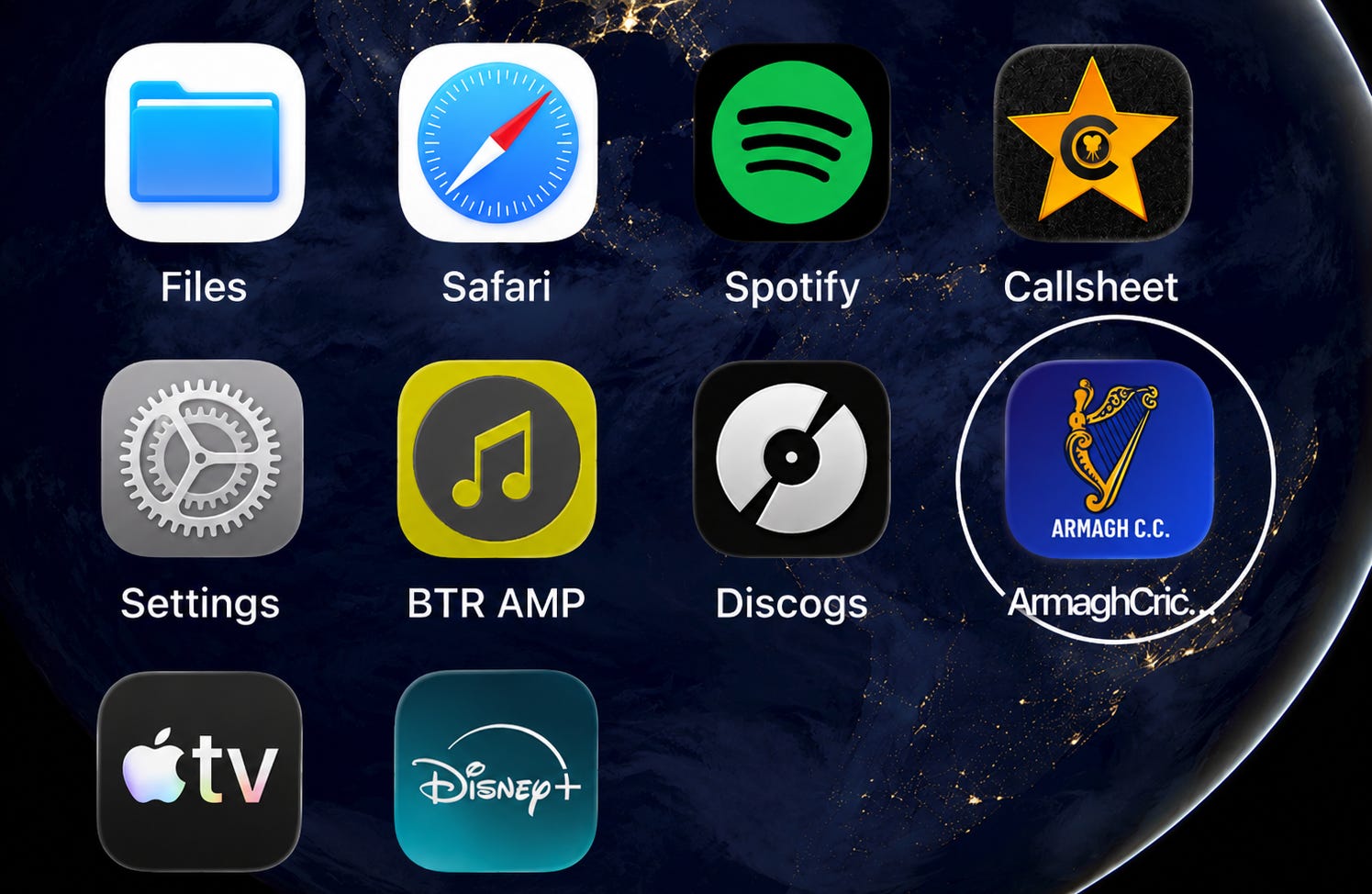
That’s it! The Armagh C.C. website icon will now sit like an app on your phone, letting you visit in seconds.
📌 A quick note on the Substack app
When visiting our site or subscribing to our newsletter, you may occasionally see a prompt to download the Substack app.
You can ignore this - in fact, viewing in your browser gives you a much better experience of the website, with no app clutter or tracking, no notifications, no ads, and no account required.
💻 On your computer
Open the website, press Ctrl + D (Windows) or Cmd + D (Mac) to bookmark us for quick access, or simply click the ⭐ in your address bar.
Simply bookmark us or save us to your home screen and we are always just one tap away!
Home | Latest News | Fixtures | Club History | Archives | Club Info | Noticeboard